Folders · Finder · Dock
Batch everything
Drop hundreds of files or entire folders. Squeezels scans them, then works on one image per CPU core.
For Mac · Private by design
Smaller files, the same beautiful pixels. Every image is squeezed right on your Mac — nothing is ever uploaded.
Free download · macOS 14 Sonoma or later · Mac with Apple silicon

How it works
Squeezels lives in your Dock, your Finder and your menu bar, so it's always one drag away.
Drag images or whole folders onto the window, the Dock icon or the menu bar. Hidden files and photo libraries are skipped for you.
Compress in place, or convert to JPEG, PNG, HEIC, WebP or AVIF. Pick a quality, a size and where results go.
Every core gets to work. Each row shows the before and after size, and a running total shows how much you saved.
Compare
Drag the divider. On the left, the original. On the right, the same photo after Squeezels — a quarter of the size.
Sample figures. Real savings depend on the photo and the quality you pick.
Formats
Each format gets the encoder that does it best, bundled right inside the app. Convert HEIC to JPEG, PNG to WebP, anything to AVIF — no setup, no command line.
Smarter JPEG encoding — the same photo in far fewer bytes.
mozjpegLossless only. Every pixel stays exactly as it was.
oxipngThe format your iPhone shoots, encoded natively.
Apple ImageIOThe web's workhorse format, tuned for small pages.
libwebpNext-gen compression for the tiniest files of all.
libavifOld TIFFs, layered PSDs, camera RAWs: anything macOS can open becomes a lean, modern file in one drop.
From
IMG_0412.avif
from TIFF · 10.4 MB → 2.1 MB
Illustrative sizes for a 24-megapixel photo. Real results depend on the image.
Features
A batch image compressor built for photographers, designers and developers who just want smaller files without thinking about it.
Folders · Finder · Dock
Drop hundreds of files or entire folders. Squeezels scans them, then works on one image per CPU core.
EXIF · GPS · Privacy
EXIF and GPS removed by default, so your photos don't tell the world where you took them. Orientation is kept right.
4096 · 2560 · 1920 · 1280 px
Original size, or cap the longest edge at 4096, 2560, 1920 or 1280 px — handy for web uploads.
If a result isn't smaller, it's discarded. Your file is marked “Already optimal”.
Save to a folder, overwrite the original, or keep a copy with an -optimized suffix.
From 10% to 100%. 80% is the sweet spot, and it's the default.
A draggable before/after divider — even after overwriting the original.
Keep Squeezels ready in the menu bar from the moment your Mac starts.
Huge panoramas and RAW files are welcome.
Menu bar
Drag files onto the Squeezels icon at the top of your screen. A little panel asks Compress or Convert, shows progress, tells you what you saved — then fades away. No window needed.
Gallery
Same photos. A fraction of the space.
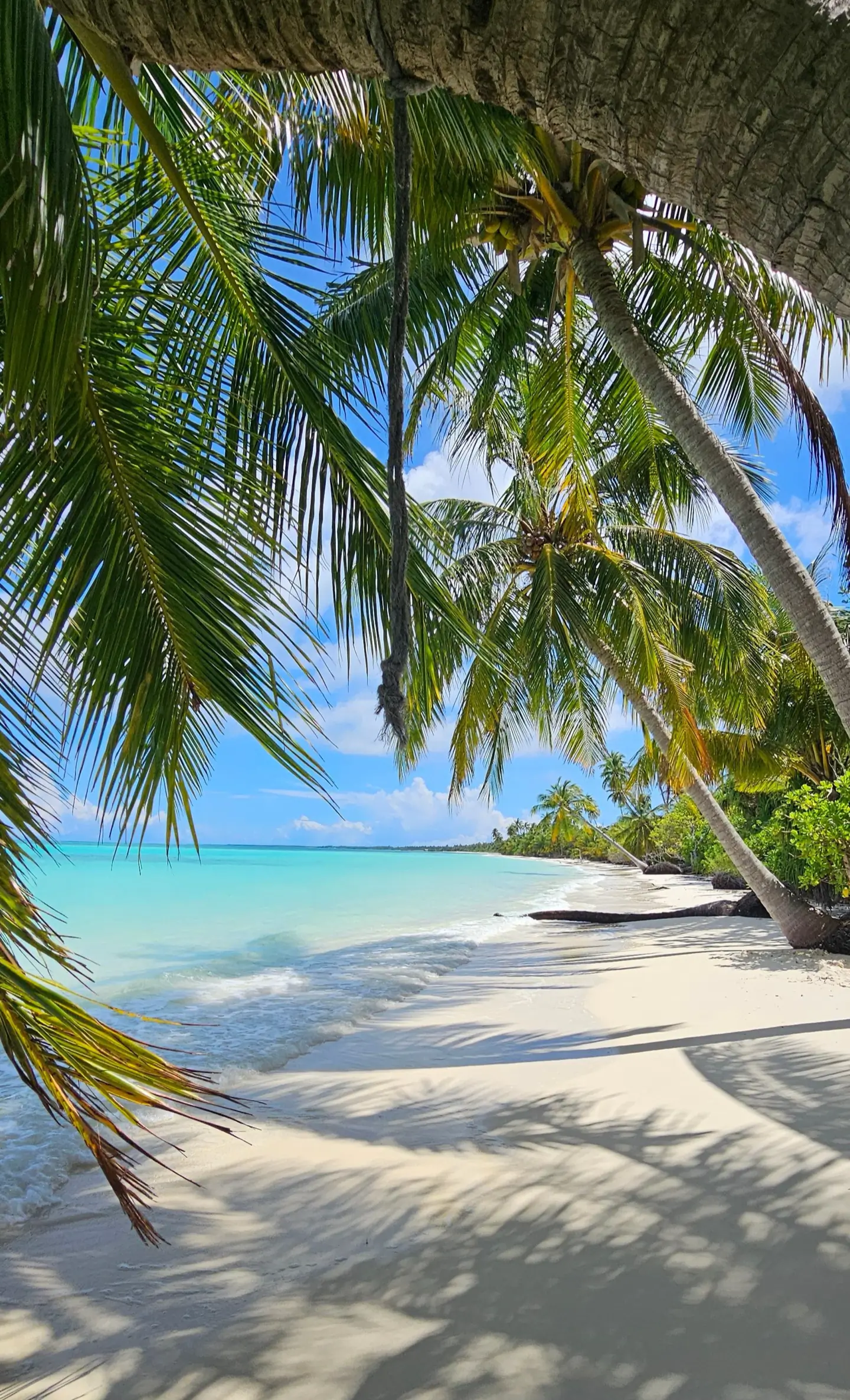
beach.heic
9.8 MB → 2.1 MB
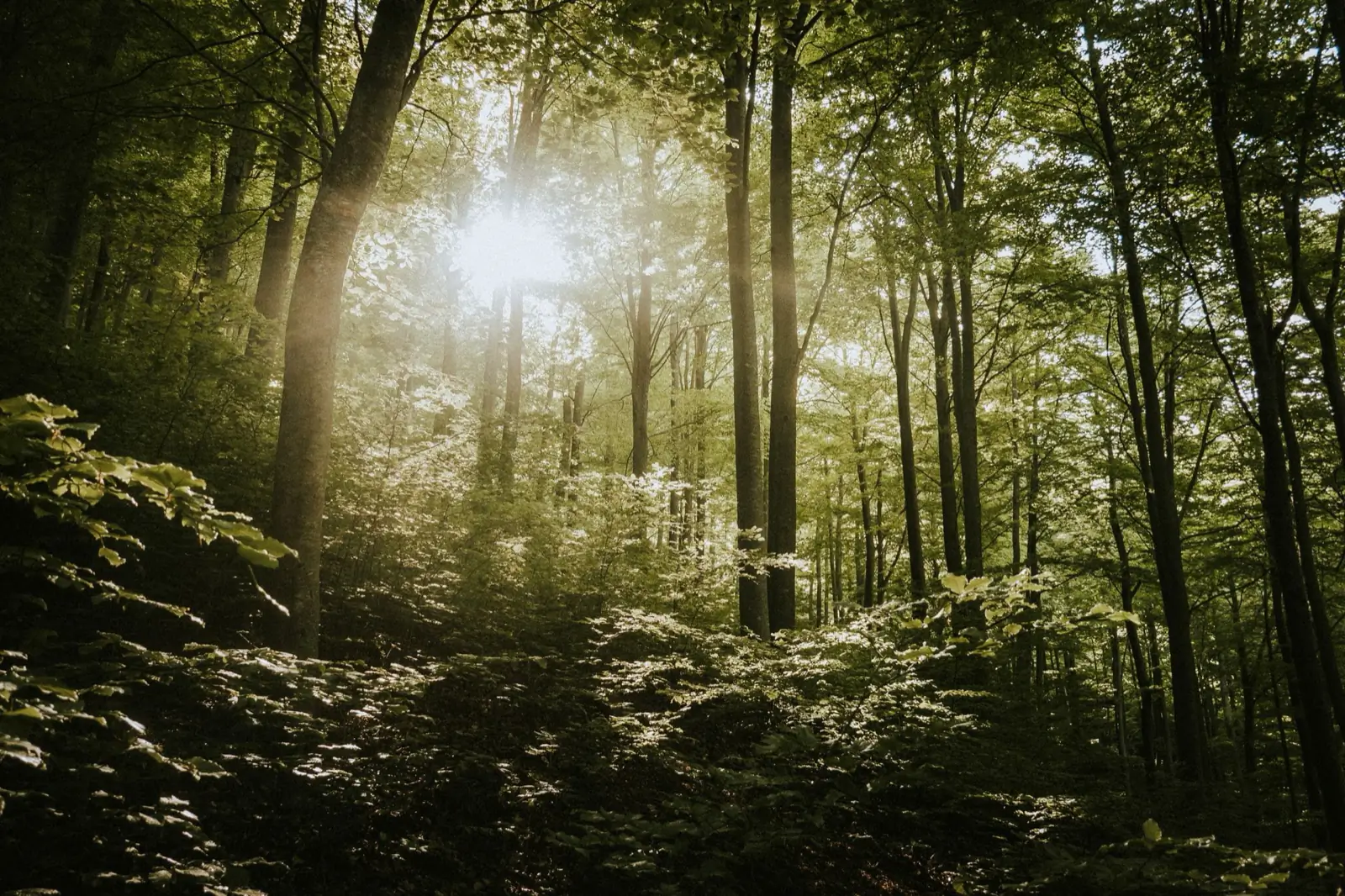
forest.jpg
6.2 MB → 1.9 MB
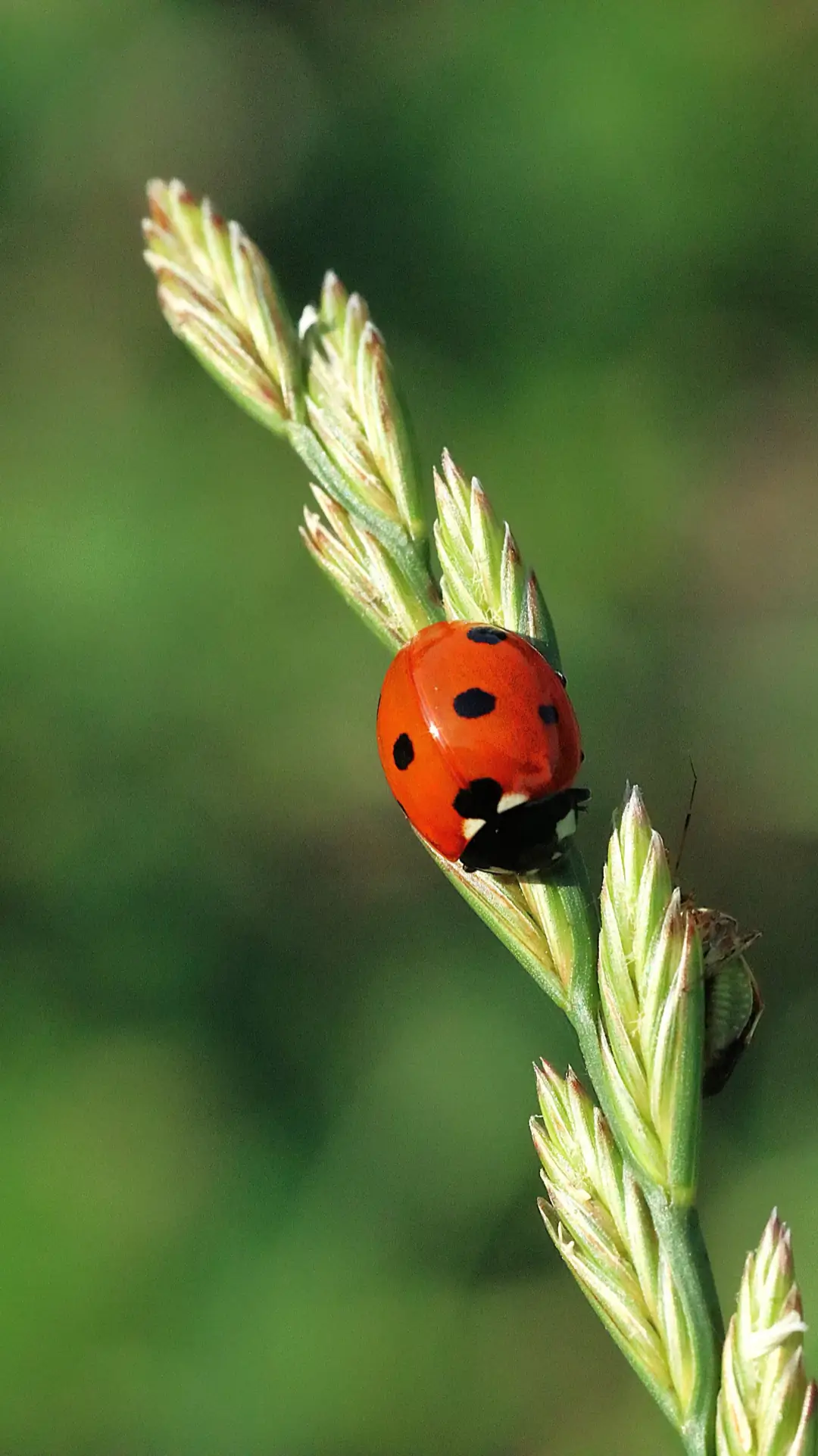
ladybug.png
12.4 MB → 1.24 MB
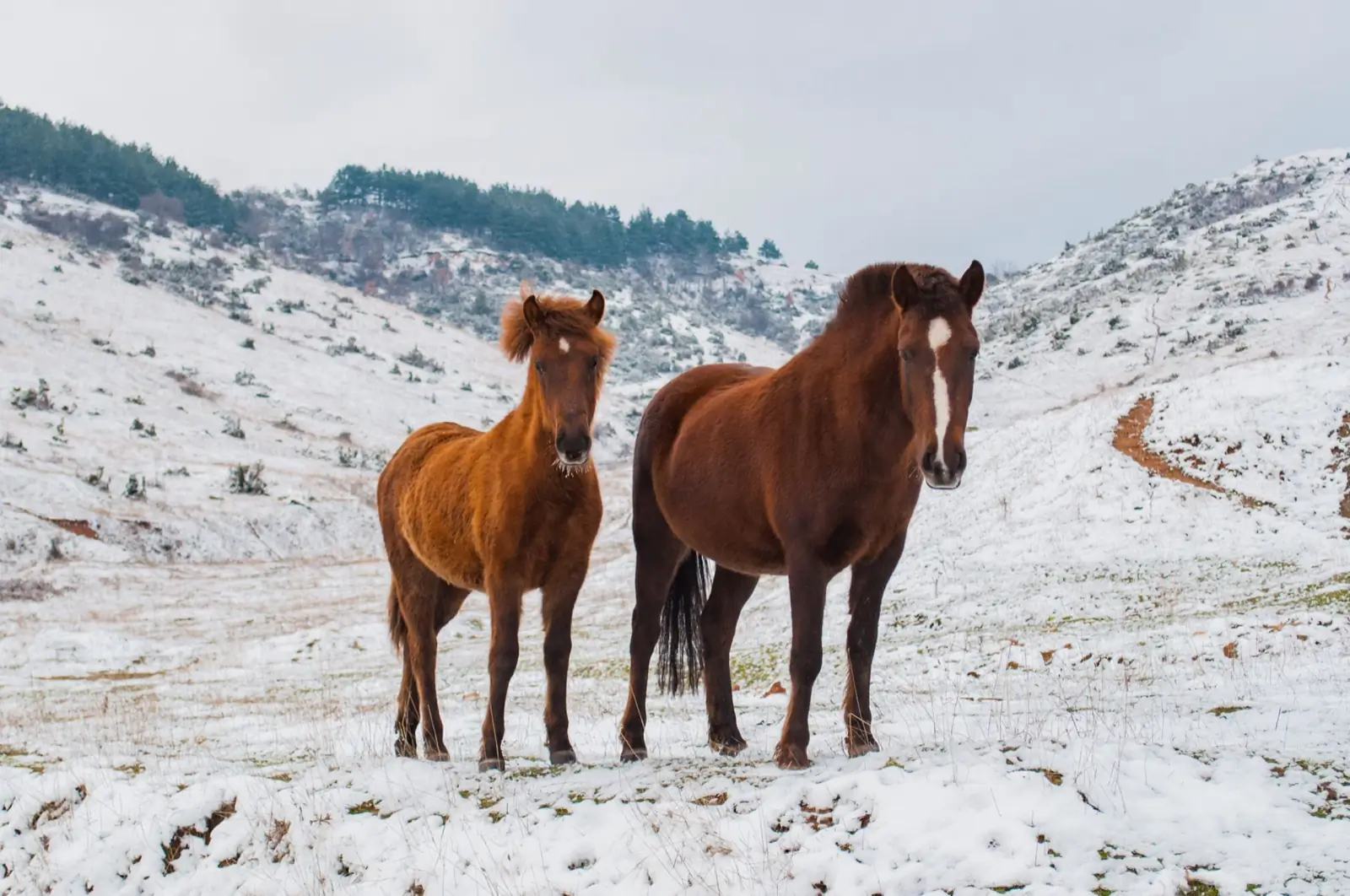
horses.jpg
4.2 MB → 1.1 MB
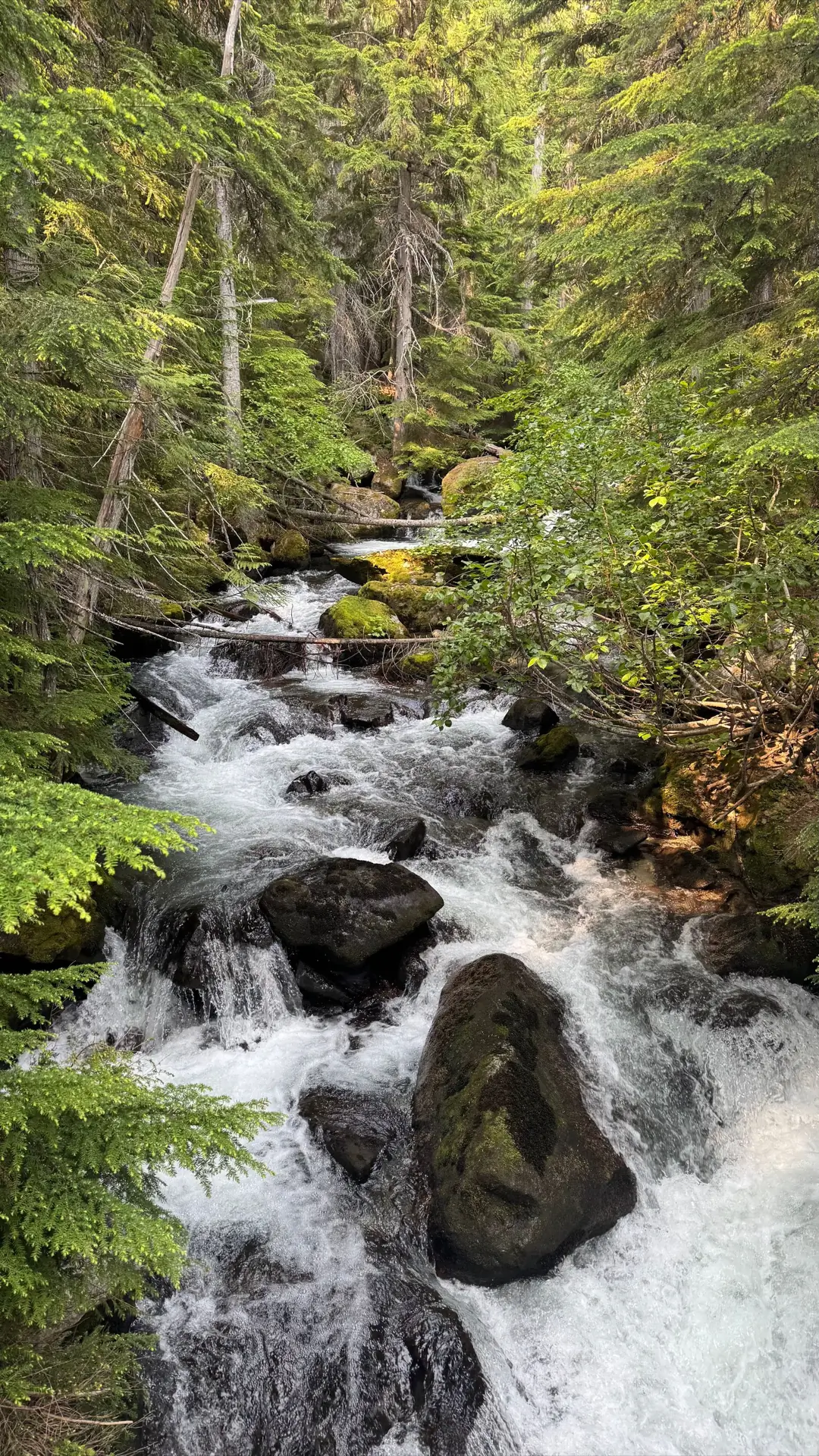
river.heic
7.5 MB → 1.6 MB
Pricing
Go Pro monthly, yearly, or once for life. Upgrade from Settings, and Pro follows your Apple ID to all your Macs.
$0
forever
$1.99
per month
$11.99
per year
$14.99
one-time purchase
Monthly and yearly plans renew automatically until cancelled. Prices may vary by region. Terms of Use · Privacy Policy
FAQ
Any Mac with Apple silicon (M1 or later) running macOS 14 Sonoma or newer.
Download Squeezels free and squeeze your first 30 images today.
Download on theMac App StoremacOS 14 Sonoma or later · Mac with Apple silicon
0%