AVIF converter

Convert images to AVIF on your Mac

AVIF is the newest image format on the web, with the strongest compression of them all. Squeezels converts your images to AVIF with libavif, right on your Mac, a whole folder at a time.

Download on theMac App Store

Converting to AVIF is part of Squeezels Pro. Compressing existing AVIF files is free. Free download · macOS 14 Sonoma or later · Mac with Apple silicon

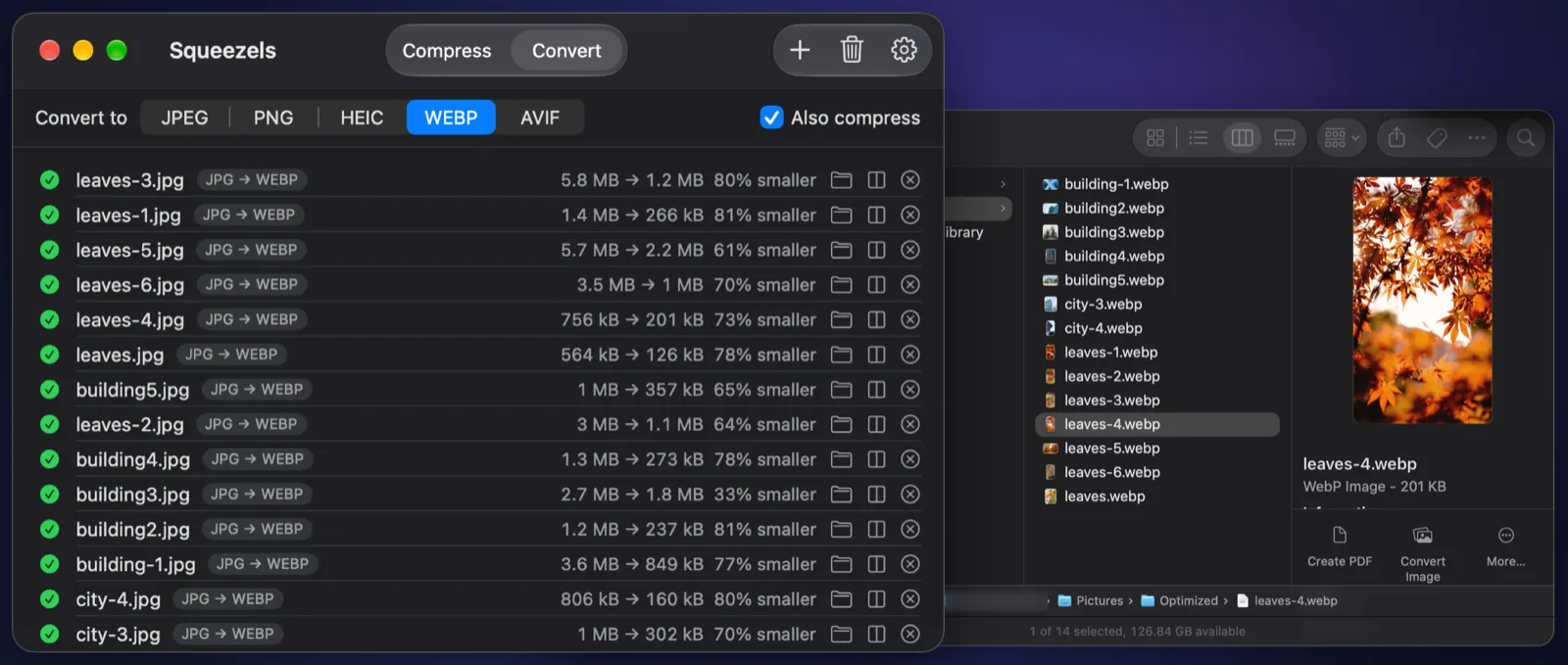
Squeezels converting JPEG photos to WebP, with the results in a Finder window

Real result

A JPEG photo, converted to AVIF and resized for the web

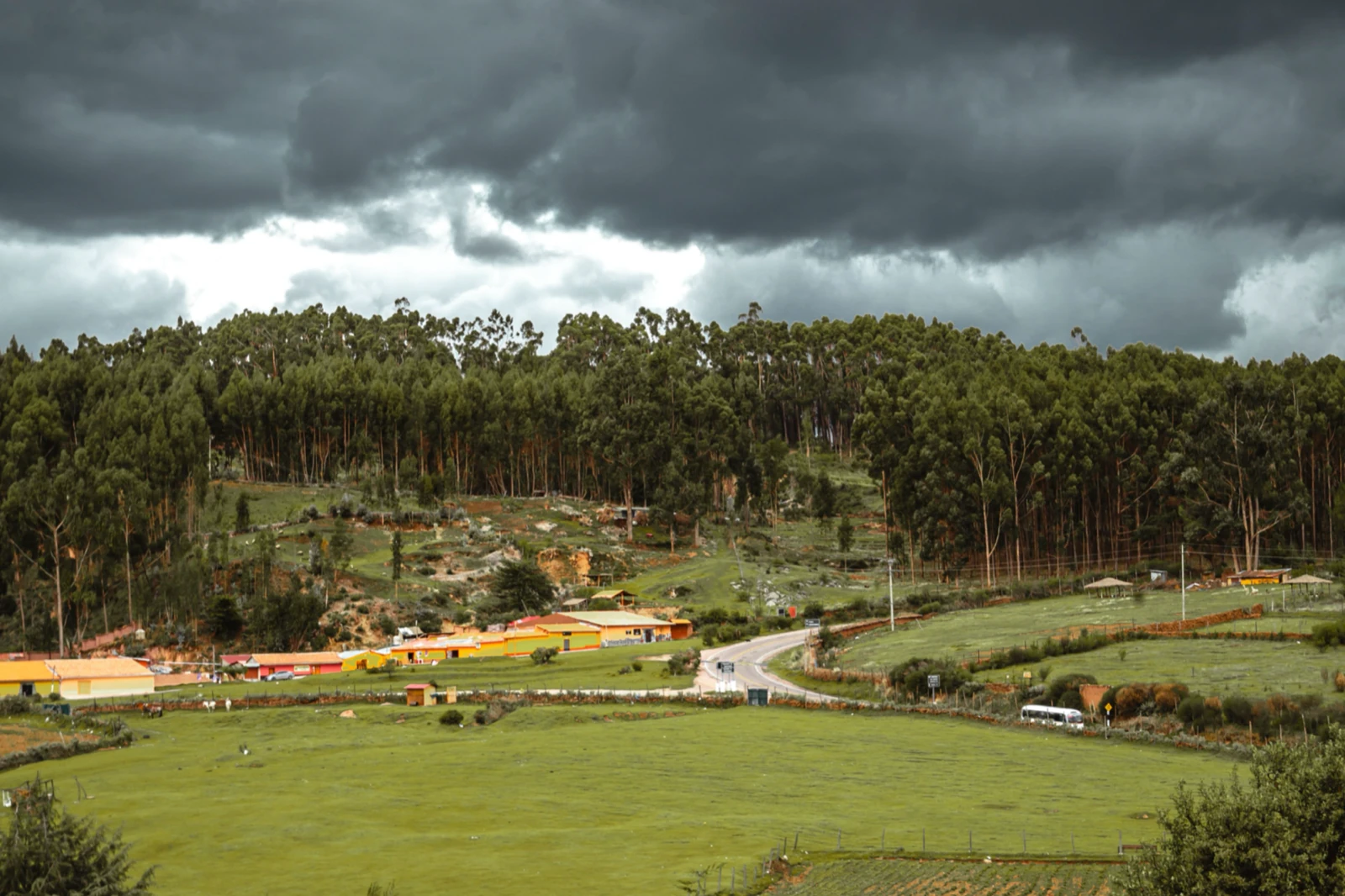
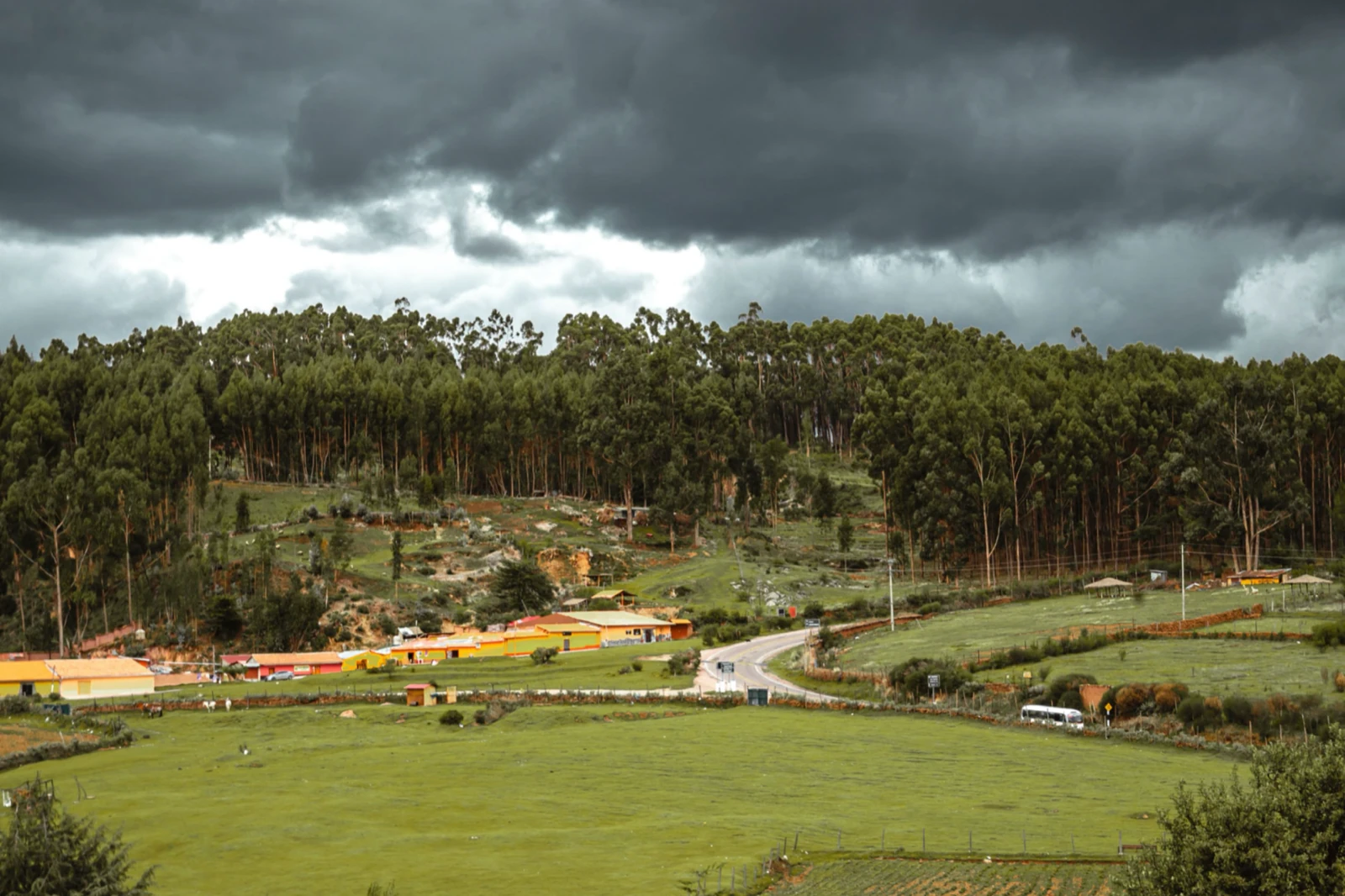
Drag the divider to compare. 72% smaller, made by Squeezels with quality 80%, resized to 2560 px.

Ocean waves photo, original JPEG and the AVIF Squeezels made from it
JPEG · 2.3 MBAVIF · 648 kB
Ocean waves photo: 2.3 MB JPEG → 648 kB AVIF, 72% smaller. Quality 80%, resized to 2560 px. Measured with the encoders built into Squeezels; savings depend on the photo.

How it works

AVIF converter in three steps

  1. 1

    Drop

    Drag images or folders onto Squeezels. Anything macOS can open is fine.

  2. 2

    Choose AVIF

    On the Convert tab pick AVIF, then a quality and, for the web, a size.

  3. 3

    Done

    Every core gets to work. AVIF is slower to encode than JPEG, so big batches take a moment.

What is AVIF?

AVIF (AV1 Image File Format) stores still images compressed with AV1, the royalty-free video codec from the Alliance for Open Media, whose members include Apple, Google, Microsoft, Mozilla and Netflix. It arrived in 2019 and typically beats both JPEG and WebP on file size at the same visual quality, especially on smooth gradients and skies.

AVIF supports transparency, wide colour and HDR. Chrome, Edge, Firefox and Safari all display it.

AVIF or WebP?

If the smallest possible file matters most, for a hero image or a photo-heavy page, use AVIF. If you need to convert thousands of images quickly, or support older devices, WebP is faster to encode and even more widely supported. Many sites serve AVIF with a WebP or JPEG fallback using the HTML <picture> element.

Why resize as well

The biggest saving on the web usually comes from size, not format. A 24-megapixel photo shown 1,200 pixels wide wastes most of its pixels. Squeezels resizes and converts in one pass. The example above was resized to 2,560 pixels and converted at quality 80%.

FAQ

AVIF converter: questions

Converting is part of Squeezels Pro. The free version compresses up to 30 images a day, including AVIF files you already have.

Squeezels app icon

Give your disk a breather.

Download Squeezels free and squeeze your first 30 images today.

Download on theMac App Store

macOS 14 Sonoma or later · Mac with Apple silicon