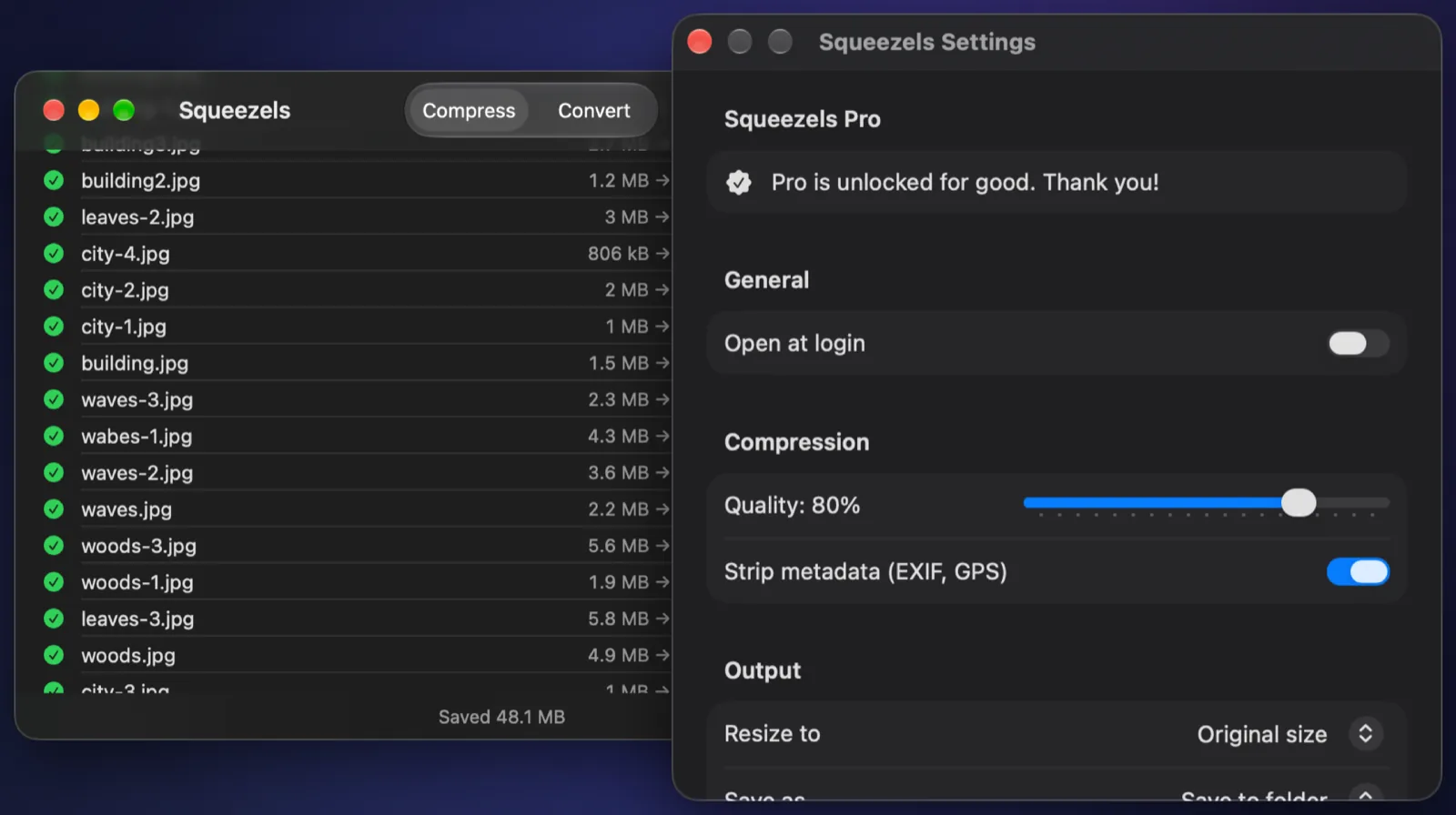
What's inside a photo's metadata
Most photos carry EXIF metadata: the camera or phone model, lens, exposure settings, the date and time, and often the exact GPS coordinates where the photo was taken. iPhones add location whenever the Camera app has permission to use it. Some cameras also record a serial number.
That's useful in your own library, but a photo posted to a forum, sent to a stranger or uploaded to a marketplace can reveal your home address. Some sites strip metadata on upload; many don't, and email attachments and file shares never do.
How Squeezels removes it
When Squeezels compresses or converts a photo, it decodes the pixels, applies the rotation, and encodes a fresh file without EXIF or GPS data. The colour profile is kept, so colours stay accurate. Lossless PNGs are optimised with metadata chunks removed.
One thing to know: Squeezels removes metadata as part of making a file smaller. If compressing wouldn't make a photo any smaller, Squeezels keeps the original exactly as it was, metadata included. Converting to another format always writes a new, clean file.
Checking a photo on your Mac
Open a photo in Preview and choose Tools → Show Inspector to see its EXIF and GPS tabs. Run the same check on the file Squeezels made: those tabs will be gone.