HEIC to JPG

Convert HEIC to JPG on your Mac

Your iPhone saves photos as HEIC. Plenty of websites, forms and Windows PCs still want JPG. Drop the photos on Squeezels and get JPEGs that open everywhere, a whole folder at a time.

Download on theMac App Store

Converting between formats is part of Squeezels Pro. The free version compresses HEIC files as they are. Free download · macOS 14 Sonoma or later · Mac with Apple silicon

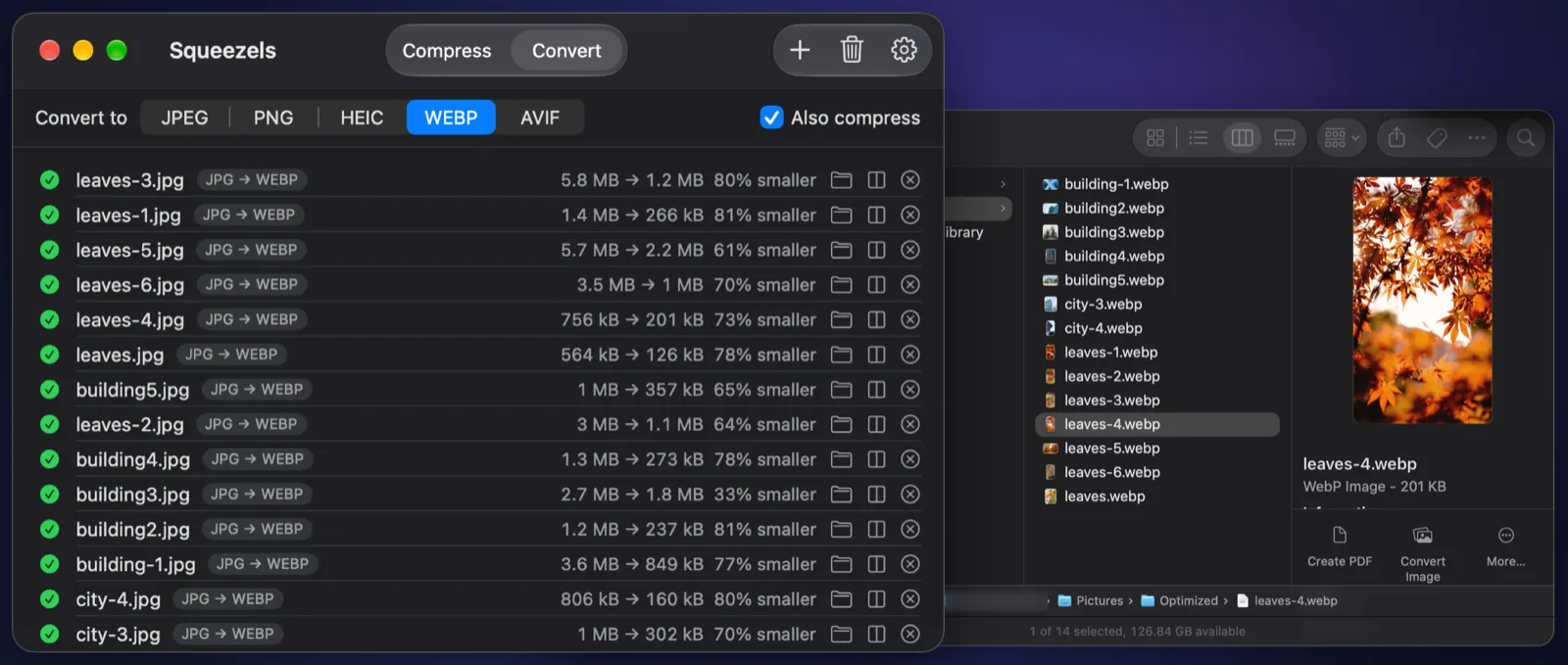
Squeezels converting JPEG photos to WebP, with the results in a Finder window

Real result

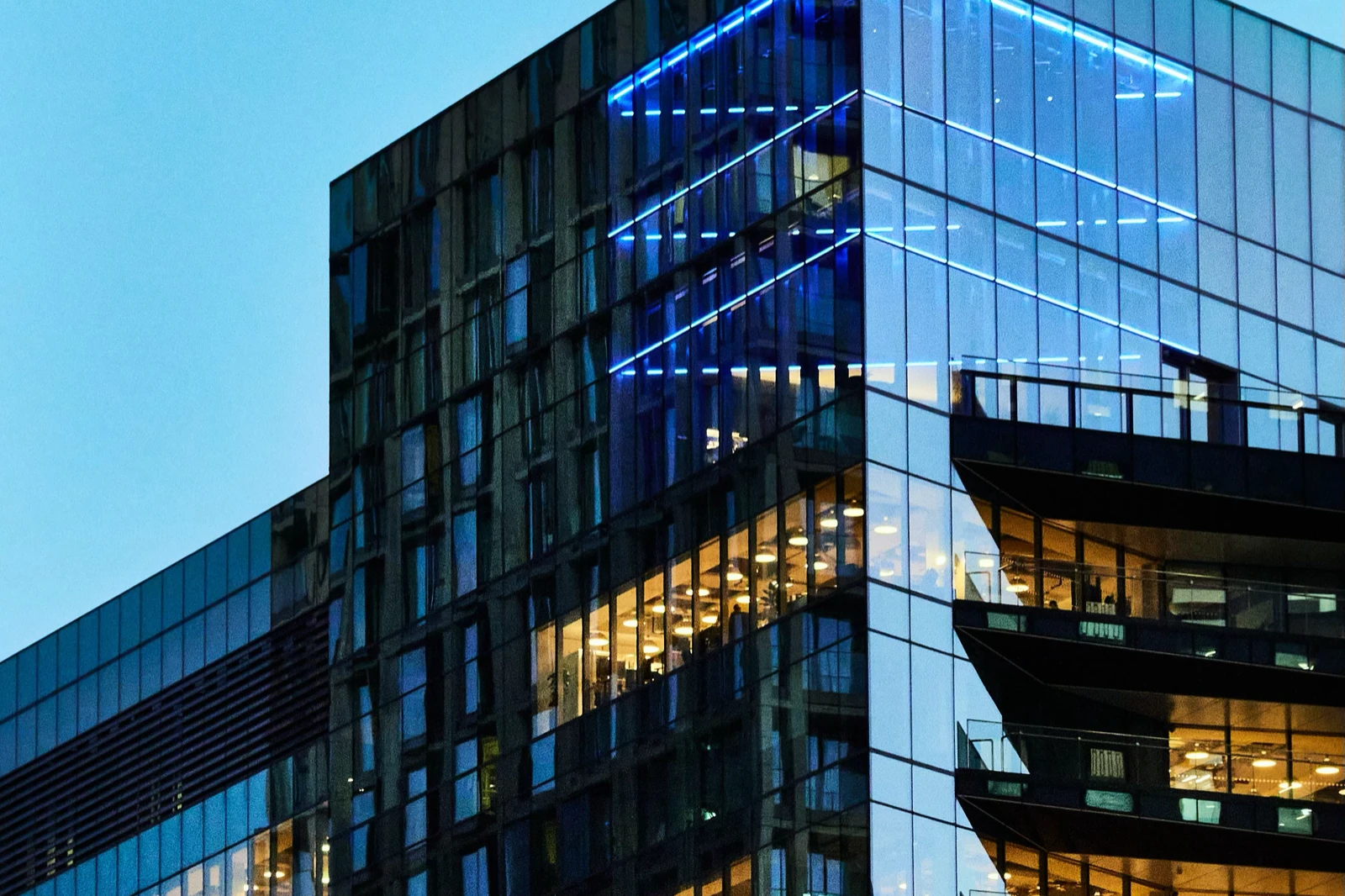
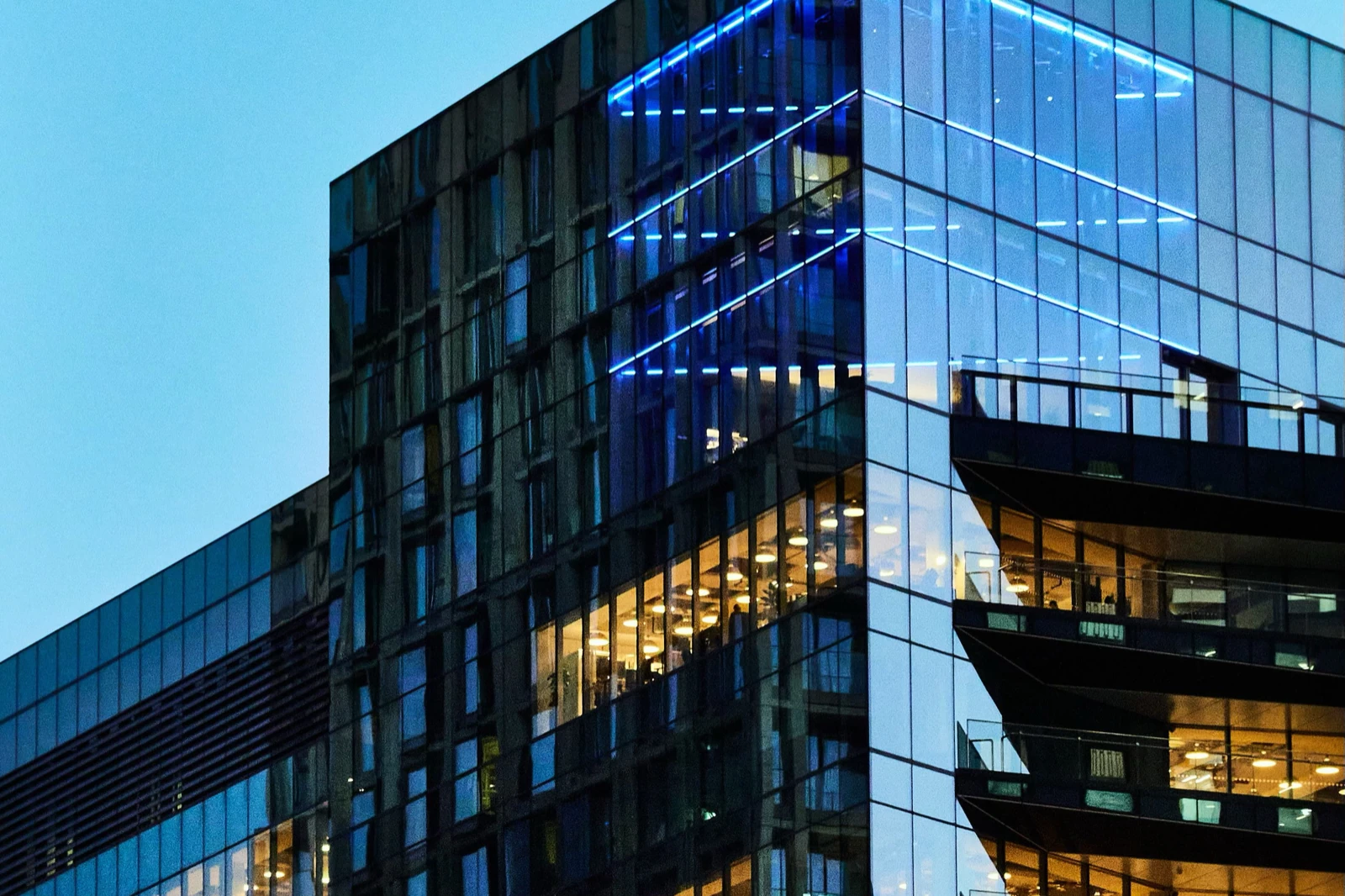
An iPhone-style HEIC, converted to JPEG

Drag the divider to compare. 17% smaller, made by Squeezels with quality 80%, original size.

City street photo, original HEIC and the JPEG Squeezels made from it
HEIC · 2.1 MBJPEG · 1.7 MB
City street photo: 2.1 MB HEIC → 1.7 MB JPEG, 17% smaller. Quality 80%, original size. Measured with the encoders built into Squeezels; savings depend on the photo.

How it works

HEIC to JPG in three steps

  1. 1

    Drop

    Drag HEIC photos or a whole folder onto the window, the Dock icon or the menu bar icon.

  2. 2

    Choose JPEG

    On the Convert tab, pick JPEG. Keep “Also compress” on for smaller files.

  3. 3

    Done

    The JPEGs land in your output folder, with location data stripped by default.

What is a HEIC file?

HEIC is Apple's name for HEIF images compressed with HEVC, the same codec used for modern video. Since iOS 11, iPhones have saved photos in this “High Efficiency” format by default, because it keeps the same visual quality as JPEG in a noticeably smaller file.

On a Mac, HEIC just works: Photos, Preview and Finder open it without a second thought. The trouble starts when the photo leaves Apple's world. Many upload forms only accept JPG or PNG, older Windows PCs need an extra codec to open it, and most browsers other than Safari can't display it at all.

Why convert to JPG?

JPEG is the format everything understands: every browser, every email client, every printer kiosk, every CMS. Converting to JPEG trades a little efficiency for that universal compatibility. A JPEG is often slightly larger than the HEIC it came from, though Squeezels' mozjpeg encoder keeps the gap small, and with “Also compress” on the result can even come out smaller, as in the example above.

If the photos are going on a website, consider WebP or AVIF instead. Both are supported by every current browser and are far smaller than JPEG. Squeezels converts to those too.

Can't my Mac already do this?

It can, one way or another. Preview can export a single photo as JPEG, and the Photos app converts when you export. Those work for a photo or two. Squeezels is for when it's a whole folder, when you also want the files smaller, or when you want location data gone without thinking about it.

FAQ

HEIC to JPG: questions

Converting is part of Squeezels Pro (monthly, yearly or a one-time lifetime purchase). The free version compresses up to 30 images a day, HEIC included.

Squeezels app icon

Give your disk a breather.

Download Squeezels free and squeeze your first 30 images today.

Download on theMac App Store

macOS 14 Sonoma or later · Mac with Apple silicon