AVIF is an image format built on AV1, the royalty-free video codec from the Alliance for Open Media, whose members include Apple, Google, Microsoft, Mozilla and Netflix. It was published in 2019 and is now supported by every major browser. For most photos it produces the smallest files of any widely supported format.
AVIF vs JPEG vs WebP
| AVIF | WebP | JPEG | |
|---|---|---|---|
| Typical file size | Smallest | Small | Largest |
| Transparency | Yes | Yes | No |
| HDR and 10-bit colour | Yes | No | No |
| Animation | Yes | Yes | No |
| Encoding speed | Slow | Fast | Fast |
| Browser support | All current browsers | All current browsers | Universal |
AVIF's advantage is largest on smooth areas like skies, skin and gradients, where JPEG shows blocky artefacts and banding at low quality. On very detailed, noisy images the gap narrows.
When to use AVIF
- Large images on websites (hero banners, product photos, galleries) where every kilobyte affects load time.
- Sites where page speed matters for search ranking: smaller images help Largest Contentful Paint.
- Images with transparency that would otherwise be heavy PNGs.
When not to
- Files people will download and edit: many editors and older apps still can't open AVIF.
- Email: many mail clients don't display it. Use JPEG.
- Huge batches on a deadline: AVIF takes noticeably longer to encode than JPEG or WebP.
Can you open AVIF on a Mac?
Yes. Recent versions of macOS display AVIF in Finder, Quick Look, Preview and Safari. Creating AVIF files is another matter: Preview's export menu doesn't offer it, so you need a converter.
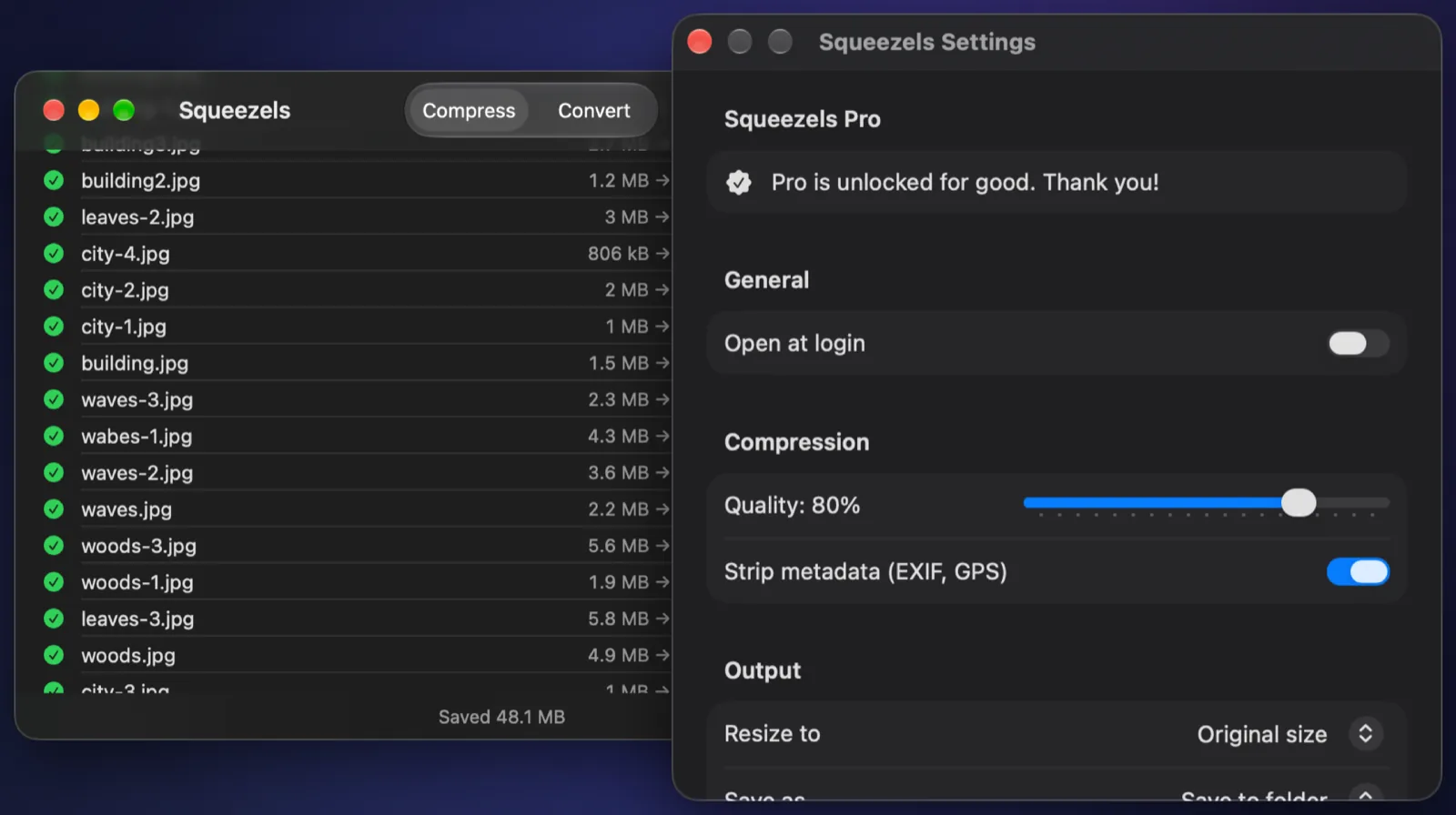
How to make AVIF images on a Mac
Squeezels Pro converts any image macOS can open (JPEG, PNG, HEIC, TIFF, RAW and more) to AVIF with libavif, the reference encoder. Set a quality (80% is a good start) and, for the web, a maximum size such as 2560 px, then drop a folder. It works on one image per CPU core to offset AVIF's slower encoding, and compressing AVIF files you already have is free.