Compare
Squeezels vs TinyPNG
A web service and a Mac app that both make images smaller. The big difference is where your images go.
Download on theMac App StoreFree download · macOS 14 Sonoma or later · Mac with Apple silicon
The short answer
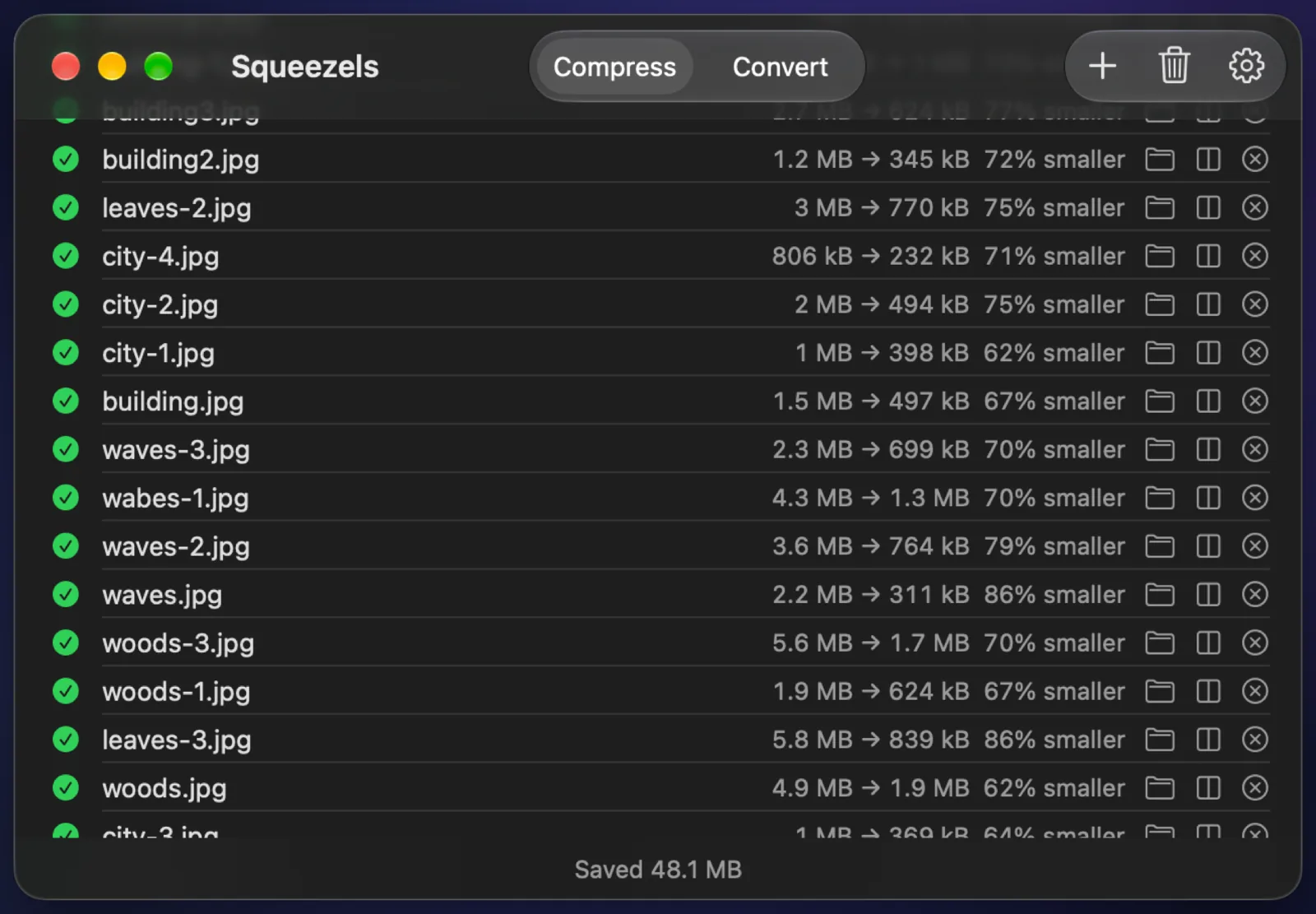
TinyPNG runs in any browser and has a great developer API, but your images are uploaded to its servers and the free tier is capped at 20 images of 5 MB each. Squeezels works offline on your Mac, takes images up to 250 megapixels, and converts whole folders.
Side by side
| Feature | Squeezels | TinyPNG |
|---|---|---|
| Runs on | Mac (Apple silicon, macOS 14+) | Any web browser (no official desktop app) |
| Price | Free: 30 images a day. Pro: $1.99/mo, $9.99/yr or $14.99 once | Free: 20 images per session, 5 MB each. Web Pro about $39/yr, Web Ultra about $149/yr |
| Images stay on your computer | ✓Yes, processed on your Mac | ✕No, images are uploaded to TinyPNG's servers |
| Compress JPEG & PNG | ✓Yes (mozjpeg, lossless oxipng) | ✓Yes |
| WebP & AVIF | ✓Yes (libwebp, libavif) | ✓Yes, plus JPEG XL |
| HEIC (iPhone photos) | ✓Yes | ~Converted to JPG on upload |
| Convert between formats | ✓Yes, with Pro: anything macOS opens → JPEG, PNG, HEIC, WebP, AVIF | ~3 per session, unlimited with Web Ultra |
| Batch: many files and folders | ✓Yes, one image per CPU core | ~20 per upload free; folders with Web Ultra |
| Resize | ✓Yes: 4096, 2560, 1920 or 1280 px | ~Through the developer API only |
| Strip EXIF & GPS | ✓Yes, on by default | ✓Yes, strips unnecessary metadata |
| Drop on the menu bar | ✓Yes | ✕No |
| Open source | ✕No (encoders are open source) | ✕No |
Facts about TinyPNG checked in October 2026, from: tinypng.com, TinyPNG web pricing, Tinify third-party desktop apps. Spotted something out of date? Tell us.
Choose TinyPNG if…
- You're not on a Mac, or can't install apps.
- You need an API, or the WordPress or Figma plugins, to compress images automatically.
- You need JPEG XL.
Choose Squeezels if…
- Your images are private, like client work, documents or family photos, and shouldn't be uploaded anywhere.
- You have big files: Squeezels takes images up to 250 megapixels, with no 5 MB limit.
- You compress a lot. Pro costs less than TinyPNG's paid web plans, and Lifetime is a one-off payment.
- You want whole folders converted and resized in one go.
FAQ
Squeezels vs TinyPNG: questions
Yes. TinyPNG compresses images on its servers. Squeezels processes every image on your Mac, and nothing is uploaded.


Give your disk a breather.
Download Squeezels free and squeeze your first 30 images today.
Download on theMac App StoremacOS 14 Sonoma or later · Mac with Apple silicon