Compress JPEG

Compress JPEG photos on your Mac

Photos too big to email, upload or keep? Squeezels re-encodes JPEGs with mozjpeg and can resize them in the same pass, so a folder of camera photos becomes a fraction of the size.

Download on theMac App Store

Free download · macOS 14 Sonoma or later · Mac with Apple silicon

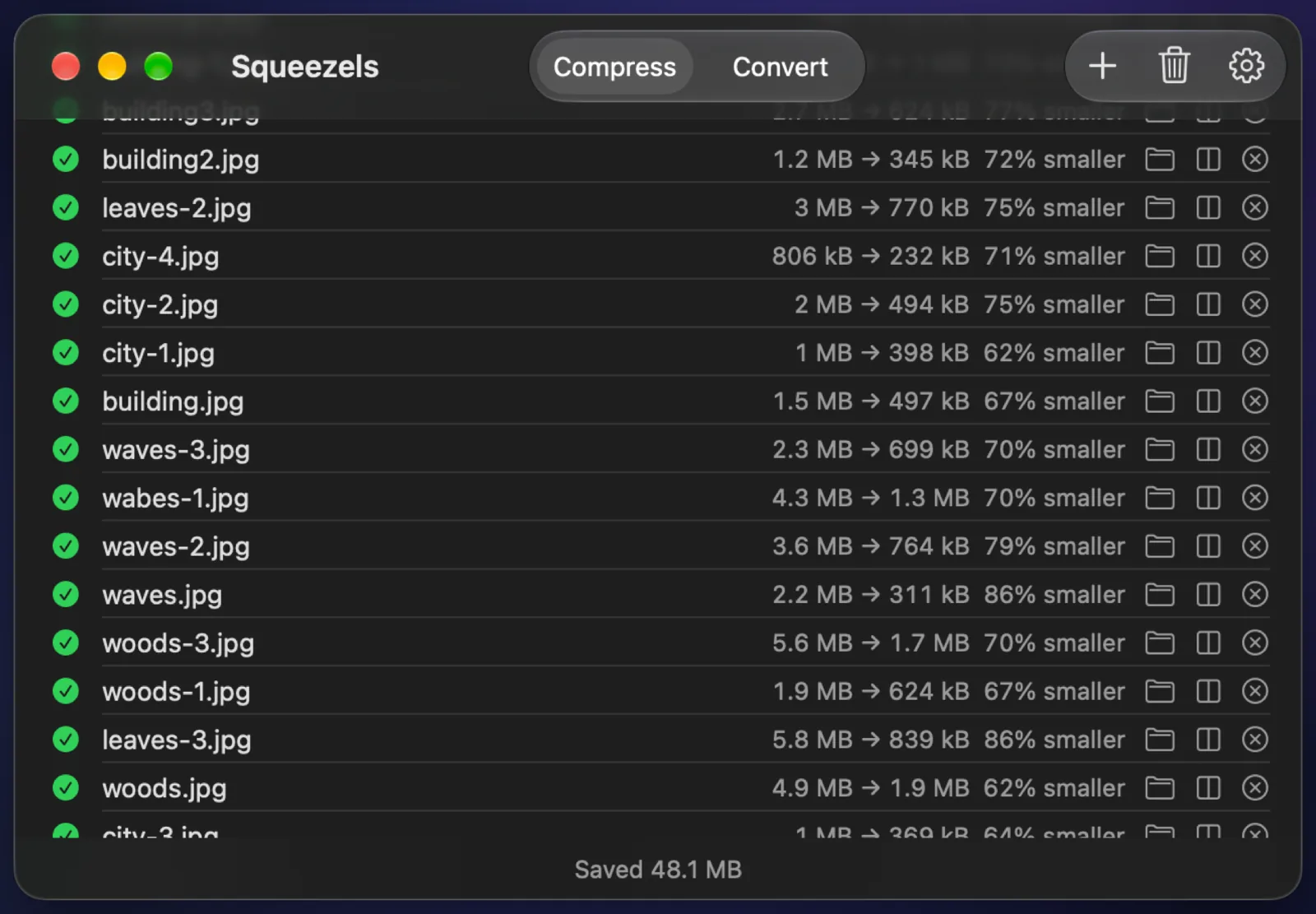
Squeezels main window: a batch of photos, each row showing its size before and after, and the total saved

Real result

A 24-megapixel photo, compressed and resized

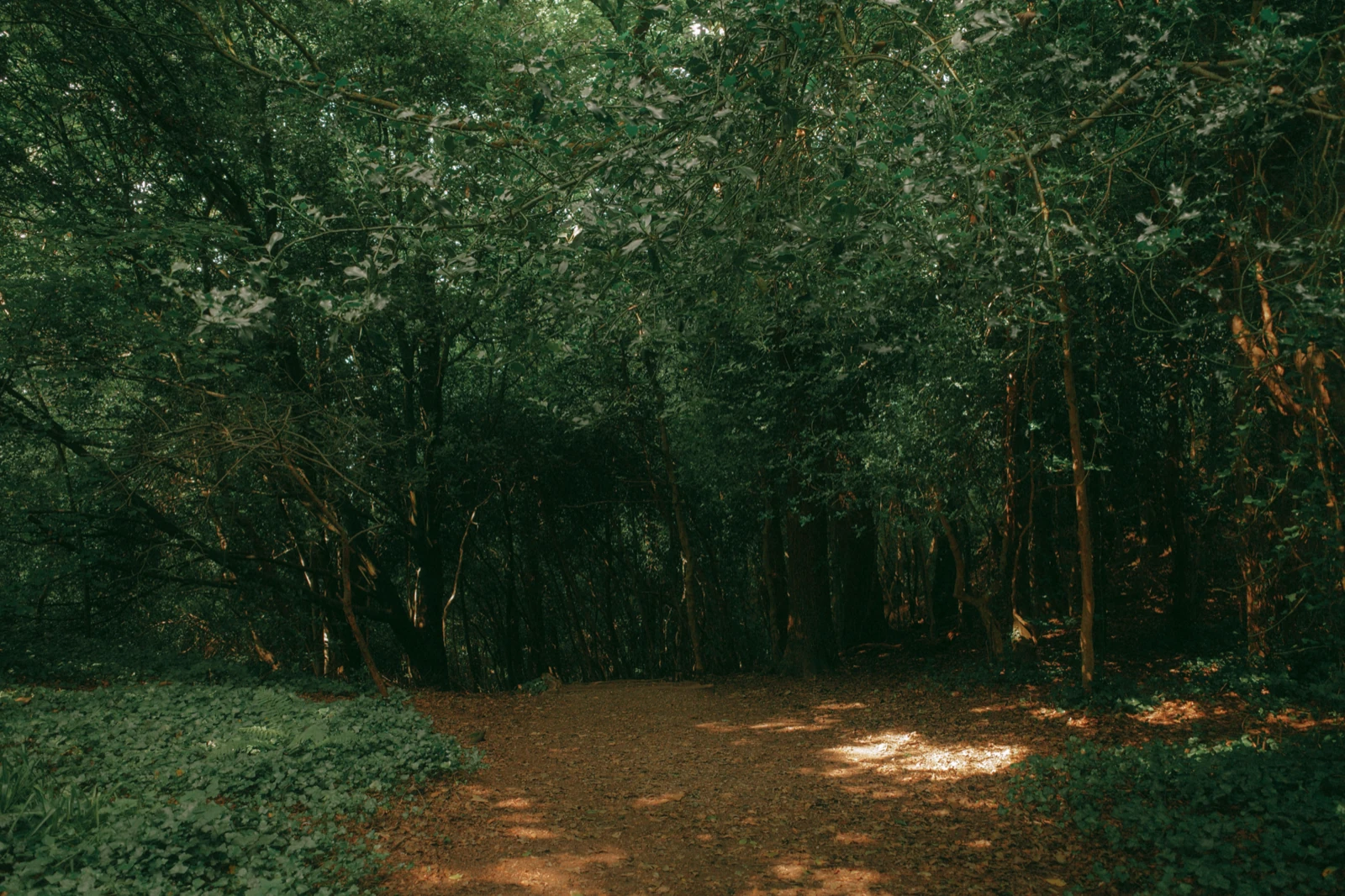
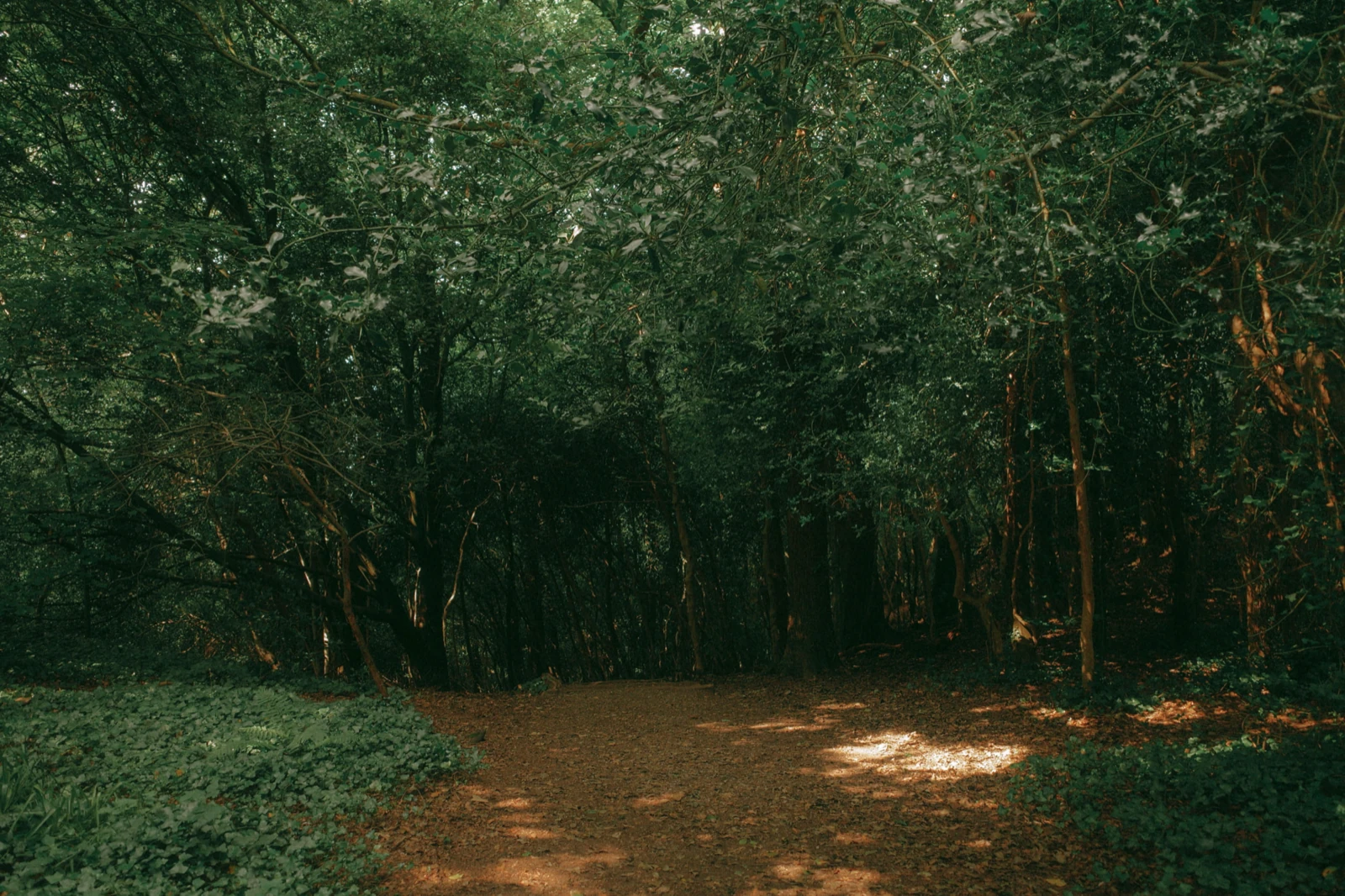
Drag the divider to compare. 83% smaller, made by Squeezels with quality 80%, resized to 2560 px.

Woodland photo, original JPEG and the JPEG Squeezels made from it
JPEG · 5.6 MBJPEG · 962 kB
Woodland photo: 5.6 MB JPEG → 962 kB JPEG, 83% smaller. Quality 80%, resized to 2560 px. Measured with the encoders built into Squeezels; savings depend on the photo.

How it works

Compress JPEG in three steps

  1. 1

    Drop

    Drag photos or folders onto Squeezels. Hidden files and photo libraries are skipped.

  2. 2

    Set it once

    Pick a quality (80% is the default) and, if you like, a maximum size in Settings.

  3. 3

    Done

    Results go to a folder, over the originals, or next to them with an -optimized suffix.

How JPEG compression works

JPEG throws away detail your eye is unlikely to notice, and the quality setting decides how much. Most cameras and phones save at a very high quality, so their files carry far more data than you can see. Re-encoding at around 80% removes much of that excess with no visible change at normal viewing sizes.

Squeezels uses mozjpeg, Mozilla's improved JPEG encoder. It produces standard JPEGs that open everywhere, but tunes them more carefully, with smarter quantisation and progressive encoding, so you get a smaller file at the same quality.

The biggest win: size

A modern camera photo is often 6,000 pixels wide or more. Shown on a website, in an email or in a slide deck, it rarely needs more than 2,560. Resizing removes most of the bytes before compression even starts. The example above was resized to 2,560 pixels at quality 80%. Keep your full-size originals for printing and editing.

Re-compressing an already compressed JPEG

Every JPEG re-encode is lossy, so Squeezels never makes a file bigger to “compress” it. If a photo was already saved efficiently, re-encoding at the same size and quality may not save anything. In that case Squeezels keeps your original exactly as it was.

FAQ

Compress JPEG: questions

80% is the default and the sweet spot for photos. Go lower for thumbnails, higher if you plan to edit the result again.

Squeezels app icon

Give your disk a breather.

Download Squeezels free and squeeze your first 30 images today.

Download on theMac App Store

macOS 14 Sonoma or later · Mac with Apple silicon