Since iOS 11, iPhones have saved photos as HEIC by default. Most of the time you never notice, until a website rejects your upload or a friend on Windows can't open the photo you sent. Here's what the two formats are, how they compare, and when it's worth converting.
What they are
JPEG dates from 1992 and is the most widely supported image format there is. HEIC is Apple's name for HEIF images compressed with HEVC, the codec behind modern video. It's a much newer design that gets more quality out of every byte.
| HEIC | JPEG | |
|---|---|---|
| File size | Smaller: about half, by Apple's figures, at similar quality | Larger |
| Colour depth | 10 bits per channel and more (HDR photos) | 8 bits per channel |
| Transparency | Supported | Not supported |
| Opens on Mac, iPhone, iPad | Yes | Yes |
| Opens in web browsers | Safari only | Everywhere |
| Accepted by upload forms | Often not | Almost always |
When to keep HEIC
- Photos that stay in your Apple devices and iCloud Photos: you save space and lose nothing.
- Archiving: smaller files, with better colour than JPEG can hold.
- Sharing with other Apple users via AirDrop or Messages.
When to convert to JPEG
- Uploading to websites, job portals, government forms or print services that only accept JPG.
- Sending to people on Windows or Android, where support depends on installed codecs.
- Putting photos on a website, though there WebP or AVIF are better choices than JPEG.
Does converting lose quality?
A little, because JPEG is lossy and the photo is re-encoded. At a quality of around 80% the difference is very hard to see at normal sizes. Expect the JPEG to come out a bit larger than the HEIC it came from, though an efficient encoder like mozjpeg keeps the gap small.
How to convert HEIC to JPEG on a Mac
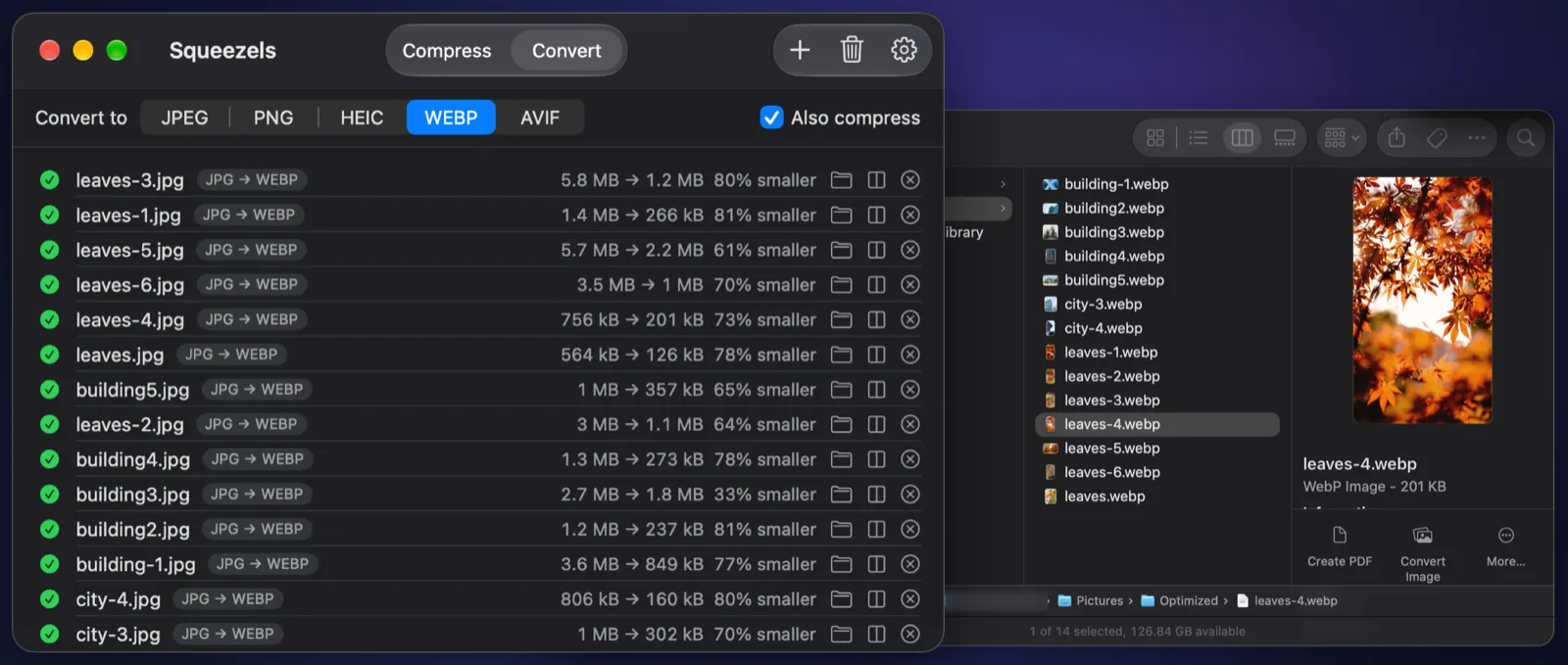
For a couple of photos, use Finder: Control-click → Quick Actions → Convert Image → JPEG. Or open the photo in Preview and choose File → Export → JPEG. For whole folders, Squeezels Pro converts HEIC to JPEG on every CPU core and removes the GPS location as it goes.
A note on location data
Both formats can carry EXIF metadata, including the GPS coordinates where the photo was taken. Converting doesn't automatically remove it; that depends on the tool. Squeezels strips EXIF and GPS by default.