WebP converter

Convert images to WebP on your Mac

WebP makes web pages lighter and faster. Squeezels converts JPEG, PNG, HEIC, TIFF and more to WebP with libwebp, Google's own encoder, and compresses WebP files you already have.

Download on theMac App Store

Converting to WebP is part of Squeezels Pro. Compressing existing WebP files is free. Free download · macOS 14 Sonoma or later · Mac with Apple silicon

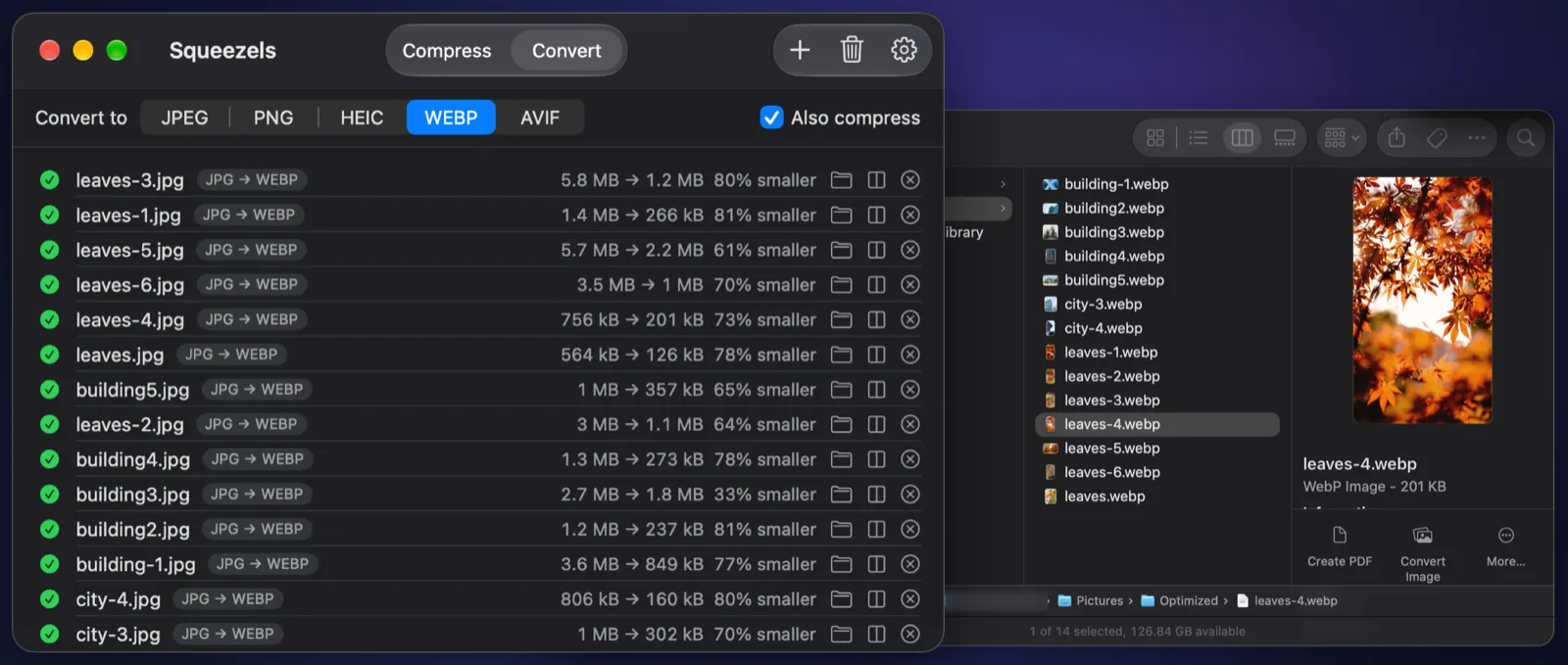
Squeezels converting JPEG photos to WebP, with the results in a Finder window

Real result

A JPEG photo, converted to WebP

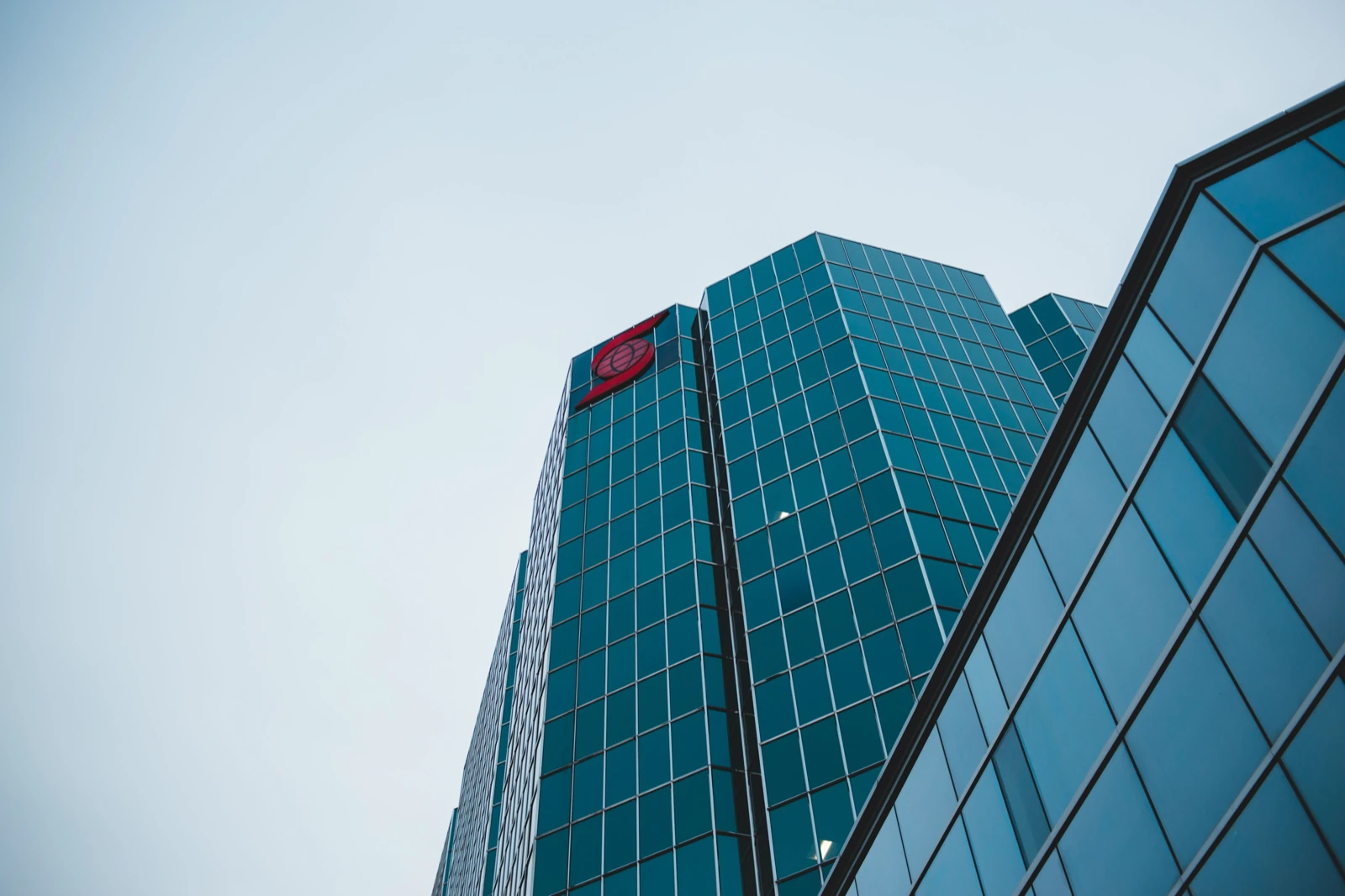
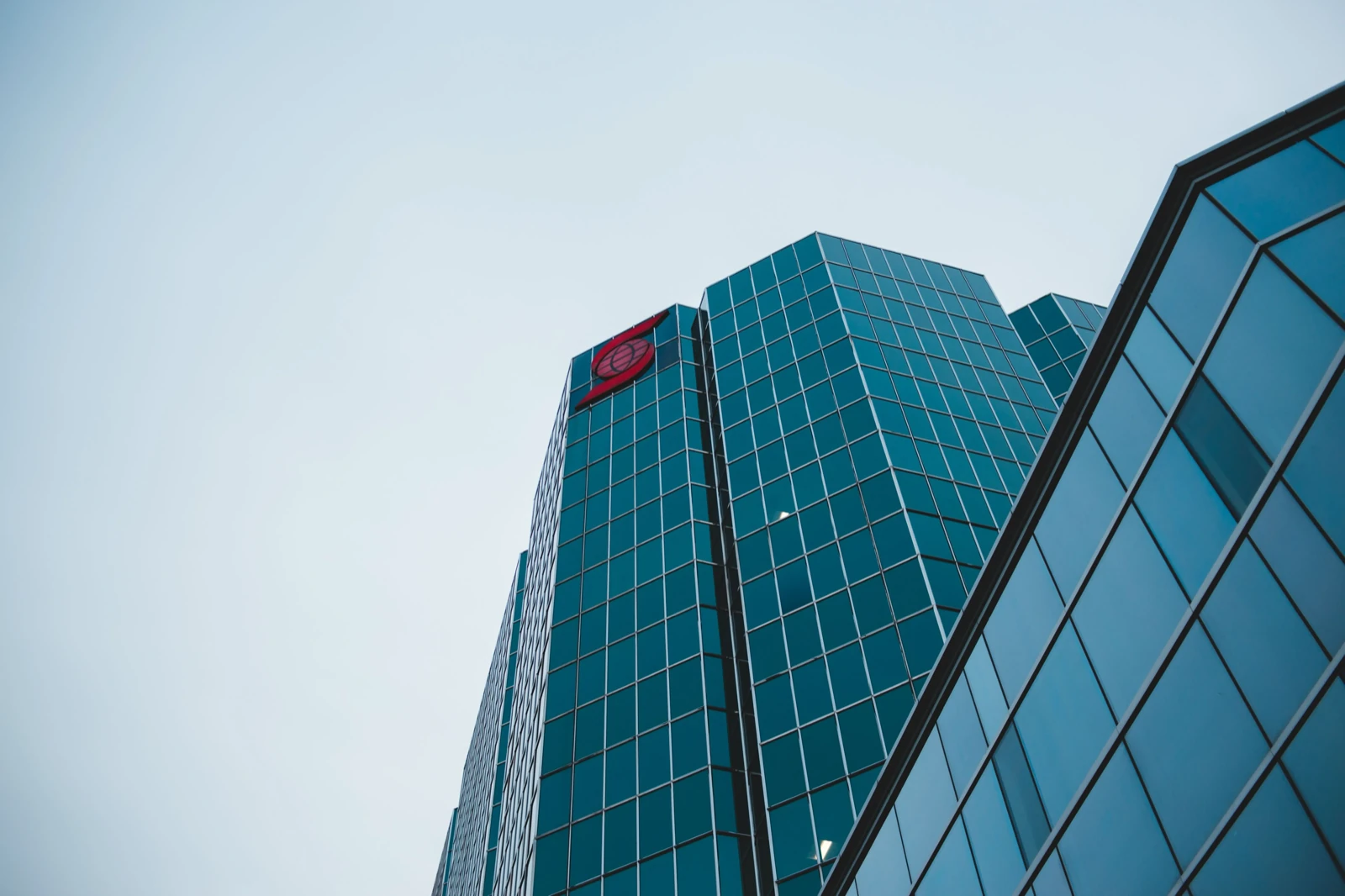
Drag the divider to compare. 59% smaller, made by Squeezels with quality 80%, original size.

City building photo, original JPEG and the WebP Squeezels made from it
JPEG · 1.2 MBWebP · 507 kB
City building photo: 1.2 MB JPEG → 507 kB WebP, 59% smaller. Quality 80%, original size. Measured with the encoders built into Squeezels; savings depend on the photo.

How it works

WebP converter in three steps

  1. 1

    Drop

    Drag images or folders onto Squeezels: JPEG, PNG, HEIC, TIFF, GIF, PSD, RAW and more.

  2. 2

    Choose WebP

    On the Convert tab, pick WebP and set the quality. 80% is the sweet spot.

  3. 3

    Upload

    Your WebP files are ready for your site, each one listed with its new size.

What is WebP?

WebP is an image format Google introduced in 2010 to make the web faster. It does what JPEG does (lossy photos) and what PNG does (lossless graphics with transparency) and can even animate like GIF, usually in noticeably fewer bytes. Google's own study found lossy WebP files 25–34% smaller than JPEGs of the same quality.

Every current browser displays WebP: Chrome, Edge, Firefox and Safari. That makes it a safe default for website images today.

When to use WebP

Use WebP for images on websites, in web apps and in email newsletters that support it. Smaller images load faster, which visitors notice and search engines measure. For maximum compression, AVIF goes further still, but it's slower to encode. WebP is the dependable middle ground.

Keep your originals for editing and printing. WebP is a delivery format. Many photo editors and print services still expect JPEG, PNG or TIFF.

How Squeezels converts

Squeezels decodes each image with macOS, so anything your Mac can open can be converted, including RAW files from most cameras and layered PSDs (flattened). It then encodes with libwebp at the quality you choose, using every core: one image per CPU core. Rotation is applied, the colour profile is kept, and EXIF and GPS are left out by default.


FAQ

WebP converter: questions

Converting is part of Squeezels Pro. The free version compresses up to 30 images a day, and that includes compressing WebP files you already have.

Squeezels app icon

Give your disk a breather.

Download Squeezels free and squeeze your first 30 images today.

Download on theMac App Store

macOS 14 Sonoma or later · Mac with Apple silicon